How to install
Heed lives on your home screen.
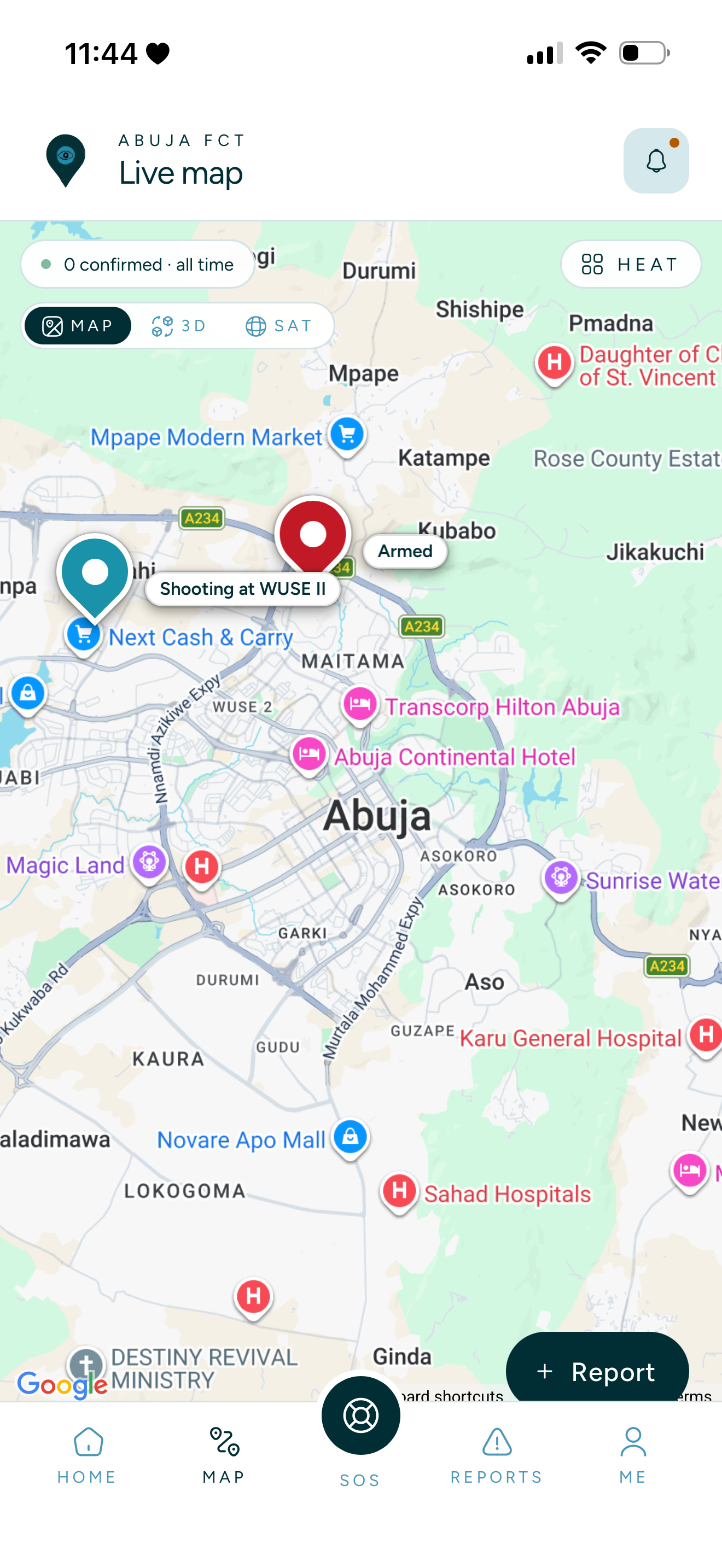
There's nothing to download. Open Heed in your browser, add it to your home screen, and it behaves exactly like a native app: full-screen, offline-tolerant, push-enabled. Follow the three steps below for your phone.
Section 06 · Install
No app store. Add it to your home screen.
Heed is a progressive web app. You install it the same way you save a website, but it opens like a native app, works on a 4G signal, and keeps your draft reports when the connection drops.
Works on any iPhone or Android, no download required
Full-screen once installed, no browser chrome
Drafts saved locally so a flaky network never loses a report
Push notifications opt-in after your first report
Scan to open
Point your phone's camera here.
loading…- Step 1Open this URL in Safari on your iPhone.
- Step 2Tap the Share button at the bottom of the screen.
- Step 3Choose “Add to Home Screen”, then tap Add.
HEED
Stay informed. Stay aware.
Open HEED to see what’s happening around you, report what you saw, and plan around known hazards.